Seasoning after you finish drawing
All effects operate on the "already drawn" image; they don’t change strokes—only how they are seen. Main effects come from two shaders:
flow.frag
Simplex displacement, blend types, edge halftone
distort.frag
FBM distort, resonance scatter, cellular, white dots, film grain
metallic.frag
Reflection, Fresnel, diamond dispersion, black-gold texture
📖 Further reading: inkField's distortion effects originate from the earlier work Equinox—pulling and stretching buffers to blend two seasons into a new state was the core technique, later adapted and refined for inkField
Flow field: invisible wind moving your drawing
flow.frag works by sampling from a different position:
Why min()?
min(original, displaced) means: if the displaced position is darker (has ink), that ink is "pulled" in. Ink spreads outward but bright areas don’t overwrite dark—like real ink on paper.
What is Simplex Noise?
A function: input a coordinate, output a "natural-looking" random value. Neighboring points are similar; farther points differ—like terrain: nearby elevation is similar, over the hill it changes.
In flow.frag, simpleN2() returns a 2D vector (x, y offset)—the direction each pixel is "blown."
Flow’s eight blend types
Besides basic noise, flow.frag has eight blendType modes:
| blendType | Name | Effect |
|---|---|---|
| 0 | Basic | Noise displacement + globalStyle strength zones |
| 2 | Concentric | Two random centers create radial ripples; uses mix() to override base noise—ripples dominate near centers, organic noise preserved at edges |
| 3 | Vertical | sin/cos/tan layers; vertical texture |
| 4 | Horizontal | Same, 90° rotated; horizontal texture |
| 5 | Crack Pattern | Dual-layer Voronoi/cellular noise; strong displacement at cell boundaries creates crack/fracture texture, base noise preserved inside cells |
| 6 | Mosaic | Canvas split into random-sized tiles, each with independent random offset—like broken tiles shifting apart, sharp grid boundaries |
| 7 | Vortex | Two vortex centers with polar rotation from original coords, Gaussian falloff—vortex dominates near centers, transitions to noise farther out |
| 8 | Cellular | Voronoi + Simplex perturbation |
Edge halftone
All Flow modes use halftone dithering near edges: the closer to the edge, the more pixels are "skipped," giving a scattered, ink-splash look instead of a smooth fade.
White brush protection (TypeMapBuffer)
White brush identity is now managed by an independent typeMapBuffer (the old G=R×0.5 tag system has been removed). Flow runs a separate sync pass (isTypeMapMode=1) using nearest-neighbor sampling to avoid interpolation blurring the identity:
See Bug Stories for the full TypeMapBuffer architecture.
FBM distort: viewing your drawing through water
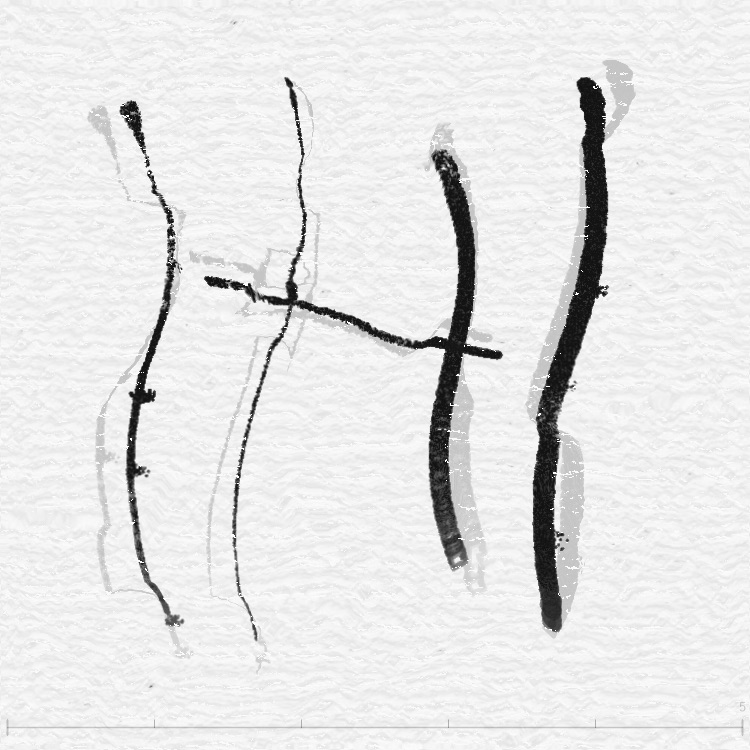
distort.frag builds FBM in layers:
func(): FBM of FBM
The core func() goes further—it uses one FBM's result to offset another FBM, then uses that to offset a third. Like using a mountain's shape to warp another mountain, then warping a third. The result is extremely natural and organic.
How distort uses FBM
FBM value acts as a mask (fbmMask) controlling displacement strength:
- High fbmMask → strong displacement → visible distortion
- Low fbmMask → weak displacement → almost unchanged
Additionally, hue shifts slightly with field direction in dark areas, adding organic feel.
Resonance Scatter: 16 stones in a pond
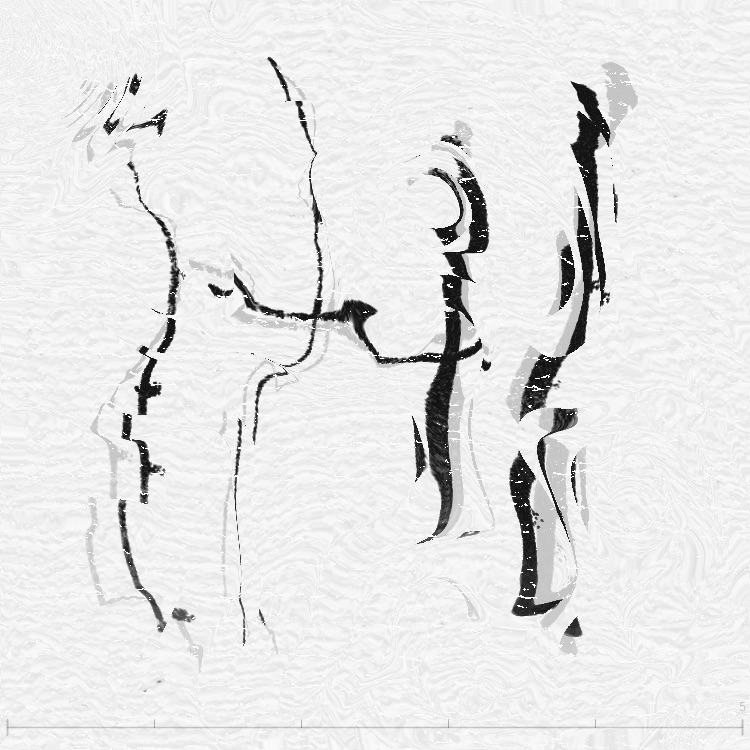
16 wave sources
Sixteen points in a 4×4 grid (slightly offset by force map). Each pixel’s distance to these points drives a sine wave:
How ripples become displacement
Final displacement mixes two components:
- Oscillatory: wave value directly as displacement (pixels sway with the wave)
- Gradient: wave slope direction as displacement (pixels slide along wave surface)
rsGradientMix controls the ratio—oscillatory-dominant looks like "water ripples," gradient-dominant looks like "light refraction."
Cellular / Voronoi: cells under a microscope
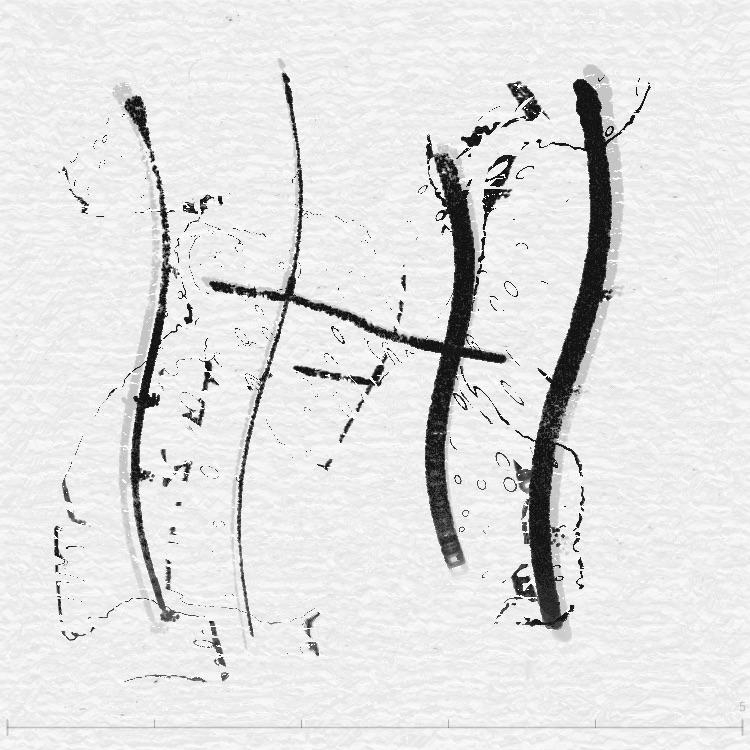
cellular2x2()
cellular2x2() computes the two nearest seed distances F.x and F.y (nearest and second-nearest):
This mask controls displacement strength—strong at boundaries (darker cell walls), weak inside.
Time animation
The cellular effect drifts slowly (speed ×0.7), giving the texture a "flowing" feel. Edges use smoothstep for a 10% transition to avoid abrupt cutoff at the image boundary.
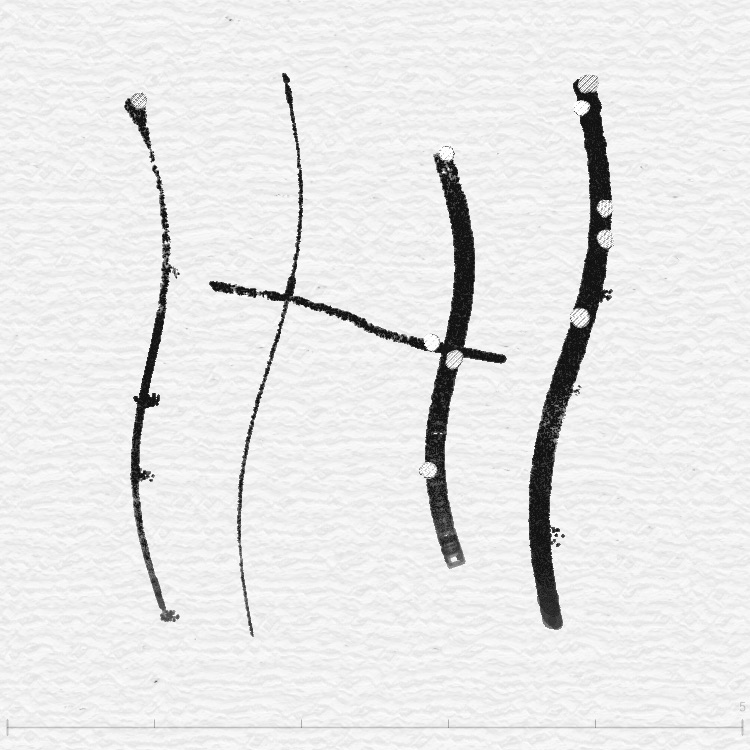
Metallic: turn ink into liquid metal
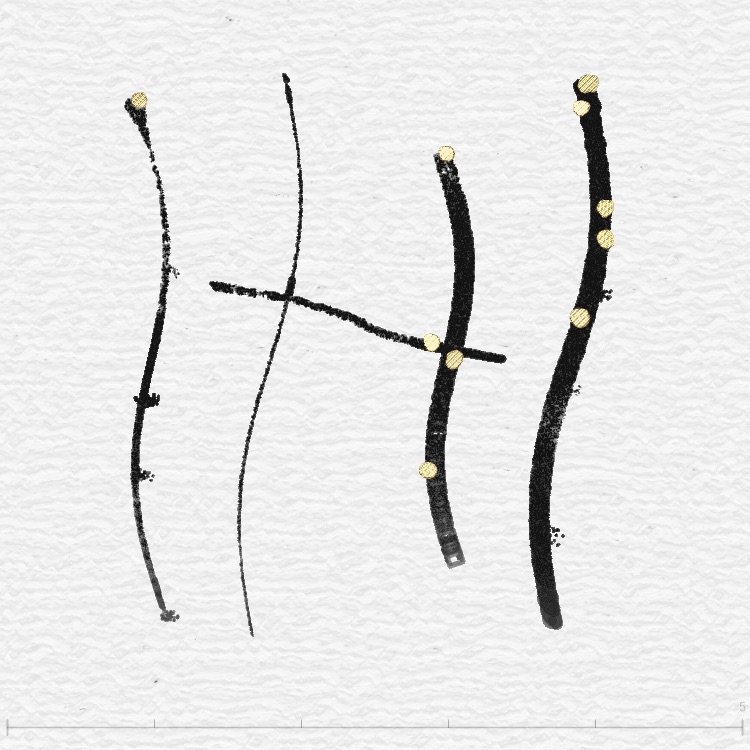
Reflection and normals
The program computes "surface normals" from the mask gradient—where ink density changes sharply, the surface acts like a slope and light reflects sideways:
Normals are like the "facing direction" at each point—flat surfaces face up, slopes face sideways. With normals, we can calculate where light bounces off the surface.
Fresnel effect: brighter edges
The metallic shader uses Schlick's approximation for Fresnel:
Six metallic tones
| Tone | RGB | Special handling |
|---|---|---|
| Gold | (0.88, 0.72, 0.52) | Warm reflection |
| Silver | (0.75, 0.75, 0.75) | Grayscale detection → neutral reflection |
| Copper | (0.72, 0.50, 0.35) | Reddish copper tone |
| Rose | (0.88, 0.65, 0.70) | Rose gold |
| Black Gold | (0.15, 0.12, 0.08) | Special black-gold texture + rust detail |
| Diamond | (0.95, 0.95, 1.0) | Dispersion refraction! Different IOR per RGB channel |
Diamond dispersion
Diamond mode is the most spectacular—it simulates real diamond "dispersion." Diamonds refract different colors of light at different rates:
Because red bends least and blue bends most, the three colors separate at edges—just like a real diamond's "fire."
White Dot & Film Grain: paper imperfections
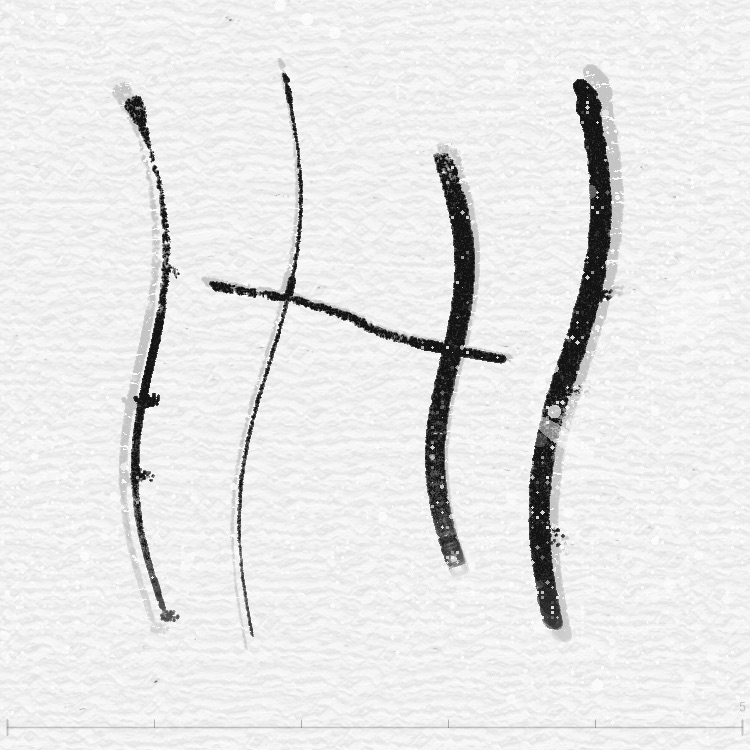
Three sizes of white dots
| Layer | Size | Description |
|---|---|---|
| Layer 1 | ~5px | Small punctures—like pinholes poked in paper |
| Layer 2 | 10–30px | Medium spots—random-radius circular white patches |
| Layer 3 | 40–100px | Large gouges—elliptical, directional scratches |
Each layer uses hash noise, with a clustering effect—dots tend to appear in groups, not uniformly scattered. Density controlled by whiteDotDensity.
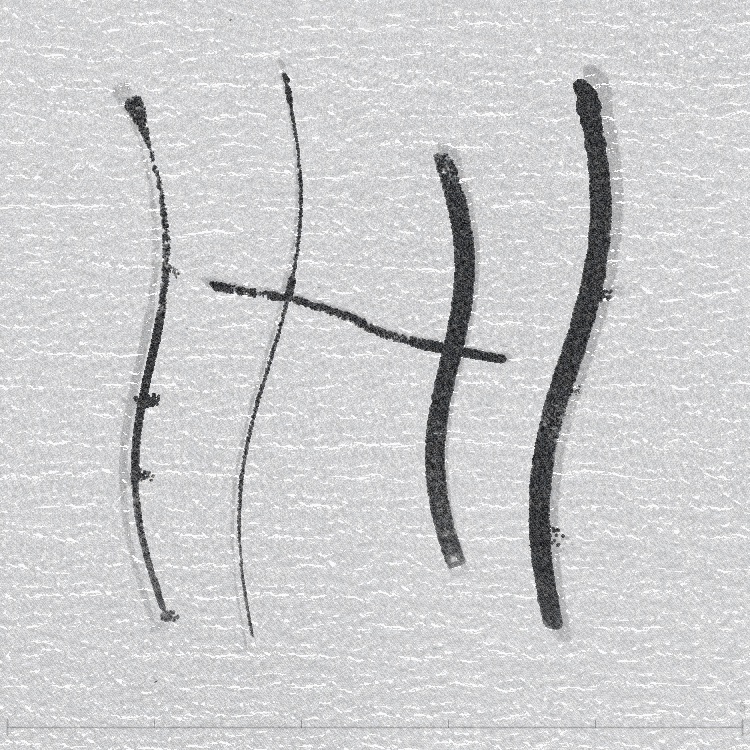
Film grain
Simulates real film grain with three characteristics:
- More grain in dark areas: lower brightness → more visible grain (like real film)
- More grain on strokes: areas with strong force field (active brushwork) get denser grain
- Multi-frequency mix: fine 60% + medium clumps 30% + coarse patches 10%
Combining effects
Effects can be stacked. Pipeline order:
Suggested combos
| Style | Combo |
|---|---|
| Classic ink | Flow (basic) + little Distort + some White Dot + Film Grain |
| Abstract | Flow (vortex) + FBM + Resonance Scatter |
| Organic | Flow (cellular) + Cellular + Film Grain |
| Metal sculpture | Flow (basic) + Metallic (Gold/Diamond) |
| Vintage film | Flow (basic) + strong Film Grain + lots of White Dot |
Summary
All effects share one rule: they don’t change the original strokes, only how they’re seen. Like layers of filters—stack them, use one, adjust strength. The same stroke can look like ink, watercolor, metal, or tissue under a microscope.